AI on your computer
Your local chat model writes each reply. Speech recognition and voice playback run on your desktop, too.
Local AI desktop software
BuddySay is a character builder and a private, standalone desktop app for Windows and macOS. Create a personality, choose a voice and start a personalized AI conversation by text or voice, even offline.

Meet the starter cast, or find a spark for a character of your own.
Portraits depict fictional characters. Starter characters come with BuddySay. Use the character ideas as inspiration for your own cast.
Give a character a backstory, a greeting, a speaking style and a voice. Try making a guide who meets you at the last train. Play the scene once, change just their speaking style from shy to bold, then hear how the same meeting unfolds.
Give your character a backstory, a speaking style and a first line.
Assign a local voice and hear your character speak in conversation.
Bring your own avatar, edit the details or remix an existing profile.
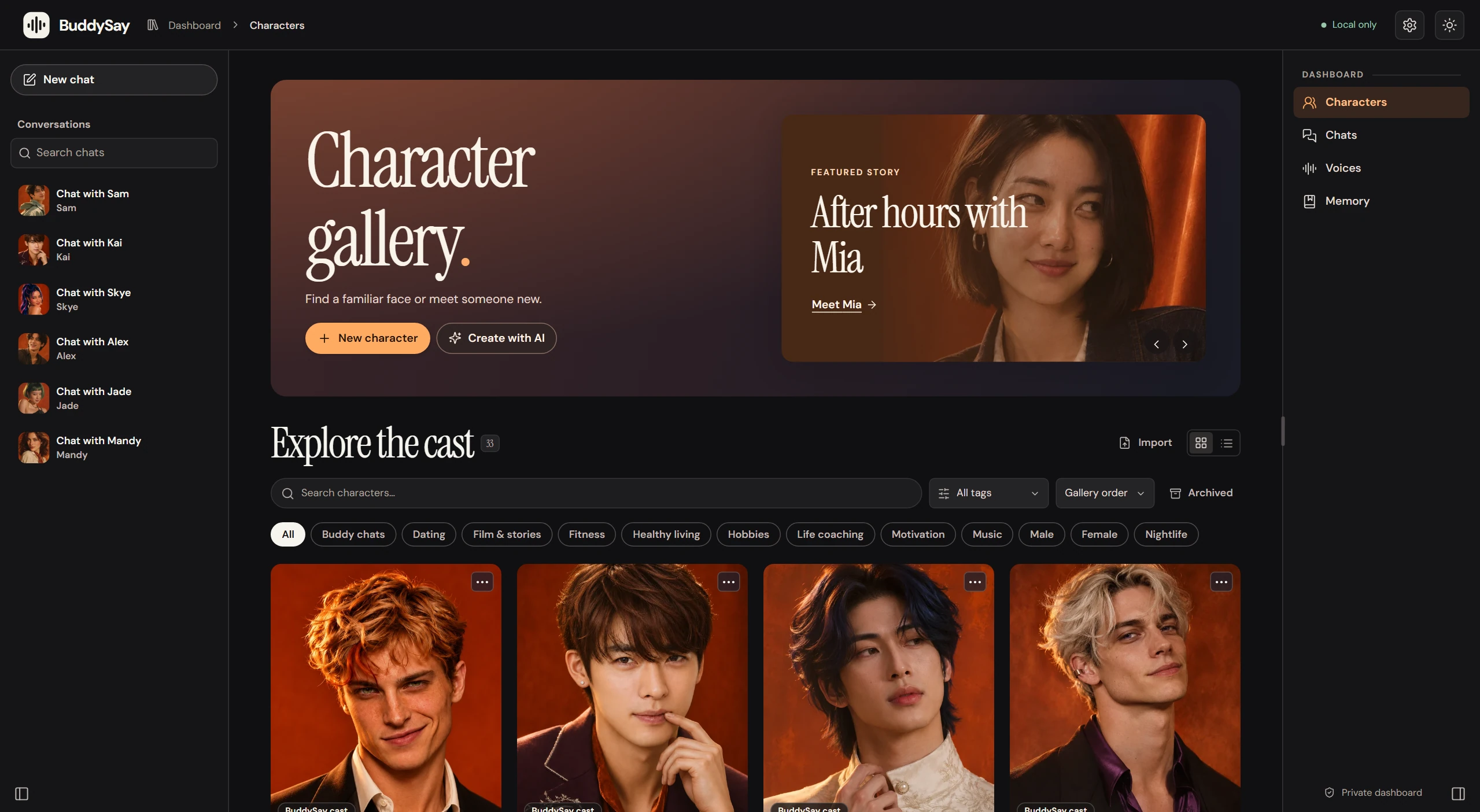
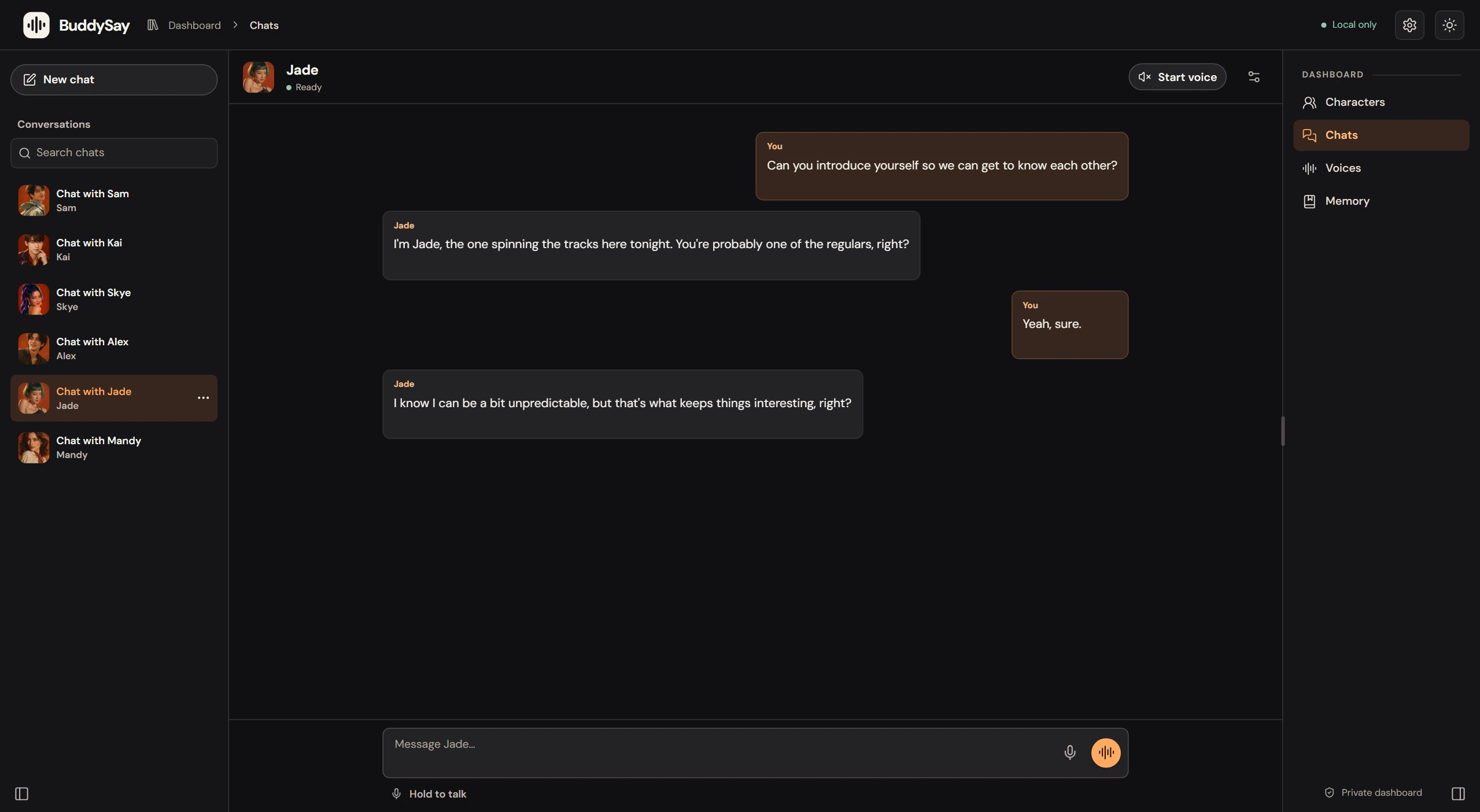
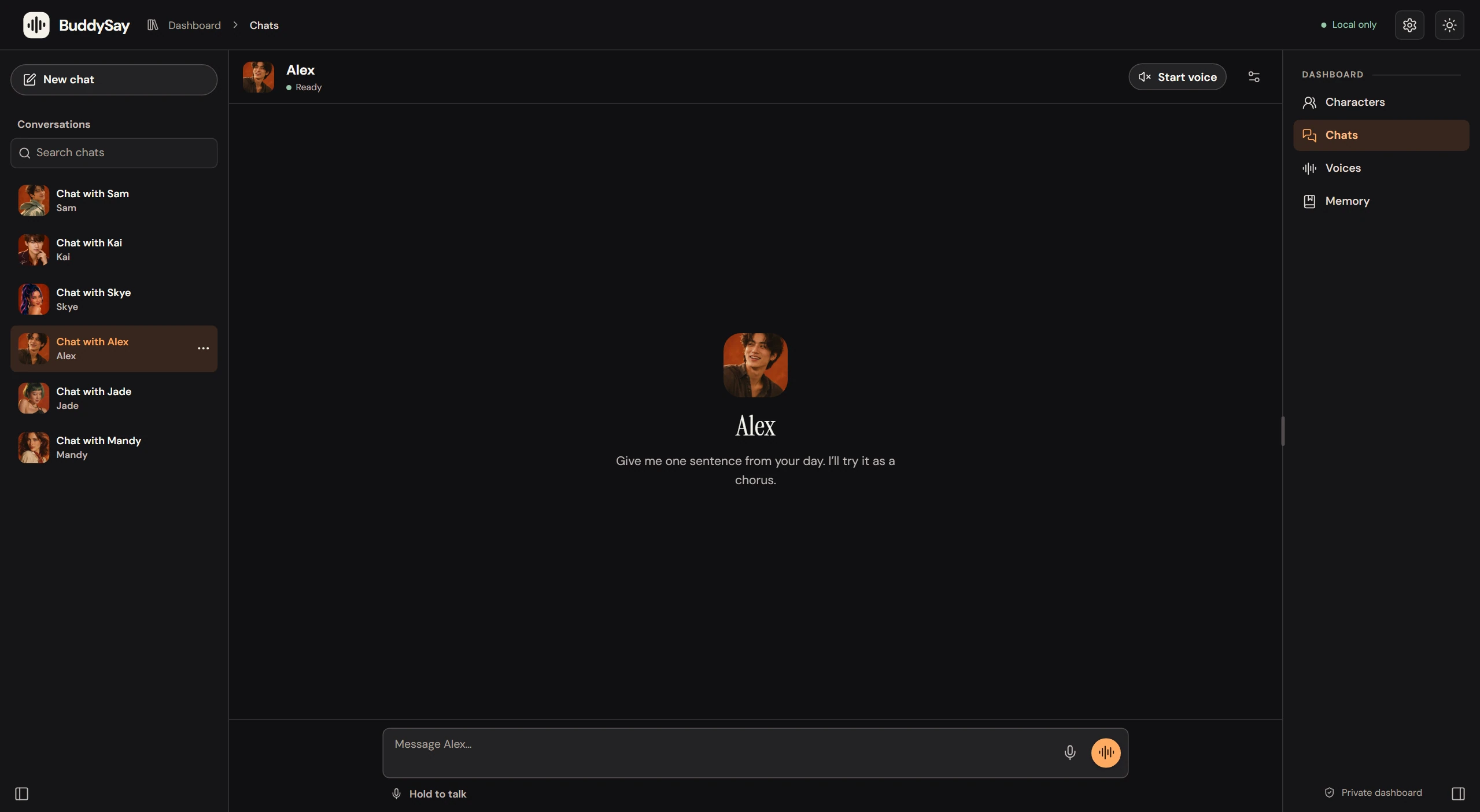

Your local chat model writes each reply. Speech recognition and voice playback run on your desktop, too.
Chats, characters and saved memories live in your user profile. You choose what to back up or export.
The desktop installer includes the base chat and voice models. Once installed, you can talk without an internet connection.
The included models run on your computer. Everyday text and voice conversations need no monthly subscription, API key, external AI connection or usage credits.
Use the internet to download software or updates and to activate Pro. Once set up, you can hold everyday text and voice conversations offline. Read the Privacy Policy
A slow-burn romance. Sharp dialogue after midnight. An adventure with a darker edge. Explore mature fiction at your own pace with characters you shape.
Mature themes are for adults. Using BuddySay to encourage self-harm, facilitate real-world violence or exploitation, or sexualize minors falls outside its intended use. Local models can produce unpredictable or inappropriate replies.
Choose the build for your computer. The desktop app comes with an English chat model and voices.
Pick a starter or describe someone new and let the local AI help draft their profile.
Type an opening line or allow microphone access and start a hands-free voice conversation.
Standard is the free desktop edition. Pro is a one-time software license for one computer, with more characters, voices and creative tools.
Free
Download BuddySay 1.0.28 for Windows or Apple Silicon Macs.
RRP $79 $19 one-time
Use code BLACKFRIDAY to save $60. The offer link applies it for you.
| Feature | Standard | Pro |
|---|---|---|
| AI usage | Unlimited | Unlimited |
| Local text and voice chat | Included | Included |
| Custom characters and AI-assisted profiles | Included | Included |
| Character library | Three starters | Full cast of 33 |
| Active custom characters | Two | Unlimited |
| Character remixing and profile packs | Pro upgrade | Included |
| Playback voices | Four | Ten |
| Appearance | Classic theme | Additional themes, custom backgrounds and slideshows |
| Price | Free | $19 one-time · Black Friday Offer (RRP $79) |
Yes. BuddySay is a private, standalone desktop app for Windows and macOS. Its bundled models process text and voice on your computer. Everyday conversations work offline without a monthly subscription, your own API key, a connection to a cloud AI service or usage credits. You need internet access to download the app or updates and to activate a Pro license.
The core conversation runs on your computer. BuddySay keeps your history, settings and character profiles in your local user folder. You can export a backup yourself. Keep exported chat archives somewhere private.
Yes. Write a backstory and greeting, choose a speaking style and voice, then start a chat to try the character. For example, make a shy guide who meets you at the last train. Ask where to go next by text or voice. Change the guide to sound bold, start a fresh chat with the same question, and listen for the difference. Standard lets you keep two custom characters.
Catch up with a fictional friend, talk through a goal or use a saved conversation as a journal. Rehearse an English conversation, brainstorm a plot or take turns telling a story.
Standard includes four English playback voices. Pro includes ten. Preview Anna, Alba, Azelma and Michael in the app, then assign a voice to your character.
You can write everyday conversations, romance, dark humor and dramatic adventures. Mature fictional themes are for adults aged 18 and over. Responses vary with the local model. Use BuddySay for fiction and keep your use within the content boundaries above.
The Black Friday Offer for BuddySay Pro is a one-time purchase of $19 with 12 months of software updates. You can continue to use your licensed version afterward. Future releases outside that period may require a separate upgrade.
BuddySay runs on Windows 11 (x64) and on Apple Silicon Macs with macOS 14 or later. Plan for at least 8 GB of memory. We recommend 16 GB or more for smoother local conversations. Leave extra free space for updates and local data to help BuddySay run smoothly.
Treat character replies as fiction. Local AI can invent details or give inaccurate or inappropriate answers. For medical, legal, financial or other high-stakes decisions, seek qualified advice.
Both the free Standard and paid Pro listings on Gumroad include BuddySay 1.0.28 for Windows and Mac. You can unlock Pro in the same app with your license key.
Get BuddySay 1.0.28 from Gumroad. On Windows, run Setup. On Mac, open the disk image and drag BuddySay into Applications.